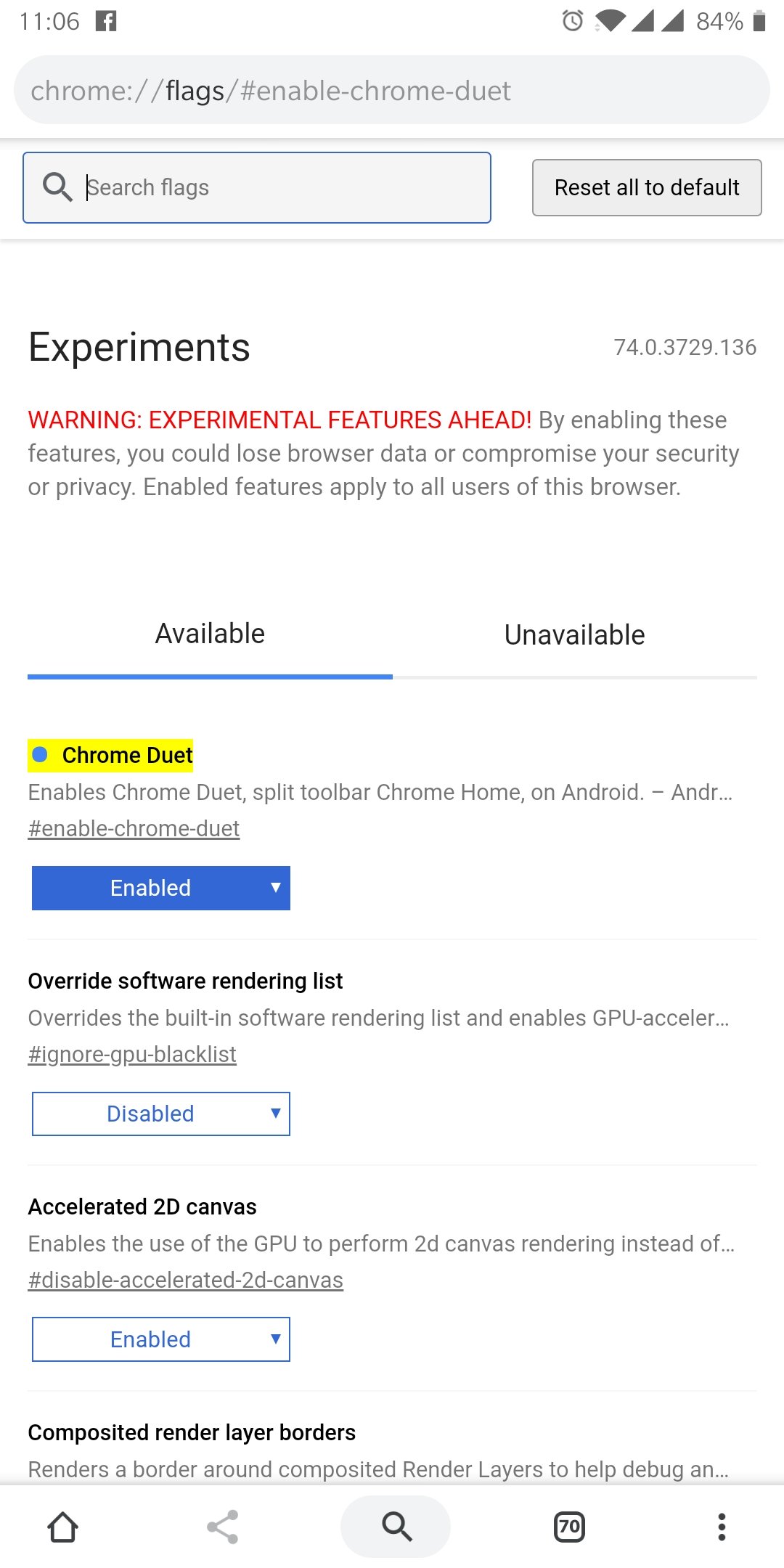
How to move Address Bar to the bottom of your screen. Google Chrome App (Android)
Open Google Chrome:
In address bar search for: chrome://flags
Now using the search flags textbox ose Find in page option, type for Chrome Duet.
After these steps click on Relaunch now.
If is not enabled for the first time you should to clean Chrome app from Ram and reopen again.
Now it should work! #techalb #techalbteam